Choosing a Cloud AI Photo Editor: Three Checks Beyond Price
Free tiers and cheap credits are table stakes. Before you ship commercial assets to the cloud, validate privacy boundaries, realistic quality limits, and whether the tool matches your weekly workflows.

Free tiers and cheap credits are table stakes. Before you ship commercial assets to the cloud, validate privacy boundaries, realistic quality limits, and whether the tool matches your weekly workflows.
Low price is easy to advertise. Long-term fit is harder—and it is decided by policy, physics, and habits, not by a feature grid.
If you are moving product photography, portraits, or brand assets through a browser-based AI pipeline, run this short checklist before you standardize on a vendor.
1. Privacy and the full data lifecycle
Not all uploads carry the same risk, but the questions are the same:
- Retention — Are files deleted after processing, or stored “for convenience”? How long?
- Training — Does the provider reserve rights to use uploads to improve models? Is that opt-in, opt-out, or clearly prohibited?
- Transport and access — Is encryption in transit the baseline? Who can access objects internally?
If the policy reads vague on training and retention, treat the tool as playground-grade, not SKU-grade.
Commercial catalogs, packaging shots with unreleased products, and anything resembling identity documents deserve stricter gates than “cool demo weekend.”
2. Quality expectations: upscaling and enhancement have ceilings
AI upscaling is not magic—it infers detail from evidence in the source.
That means:
- Extremely small or blurry inputs may gain plausible texture that is not faithful to the physical product.
- Aggressive multi-step stacks (upscale → heavy enhance → upscale again) invite waxiness, halos, and oversharpened edges.
A disciplined workflow looks like: preserve information at capture, upscale incrementally, judge at 100% zoom, and back off one notch when artifacts appear.
Enhancement should aim for “believably better lighting,” not “different SKU.” That restraint protects return rates and buyer trust.
3. Workflow fit beats raw feature count
Feature lists sell; habits decide adoption.
Ask weekly-use questions:
- Do you mostly ship white-background heroes? Edge quality and transparent PNG exports matter more than artistic filters.
- Do you batch seasonal drops? Throughput and predictable turnaround matter as much as peak quality on a single hero image.
- Do you operate across regions? Clear per-action pricing (for example credits per job) keeps finance predictable.
Also validate onboarding friction: no credit card trials help teams evaluate honestly; opaque metering does not.
Bottom line
Price per export is one line item. Policy clarity, realistic quality guardrails, and workflow alignment determine whether you still like the platform after launch week—when the novelty wears off and the SKUs keep coming.
相關文章
繼續閱讀更多 ImageAI 團隊整理的實戰內容。
AI Color Correction for Product Photos: How to Get Accurate, Consistent Colors Across Your Catalog
Product returns spike when on-screen colors mislead buyers. Learn how AI color correction works, when to use it, and how to maintain color accuracy across thousands of SKUs without manual retouching.
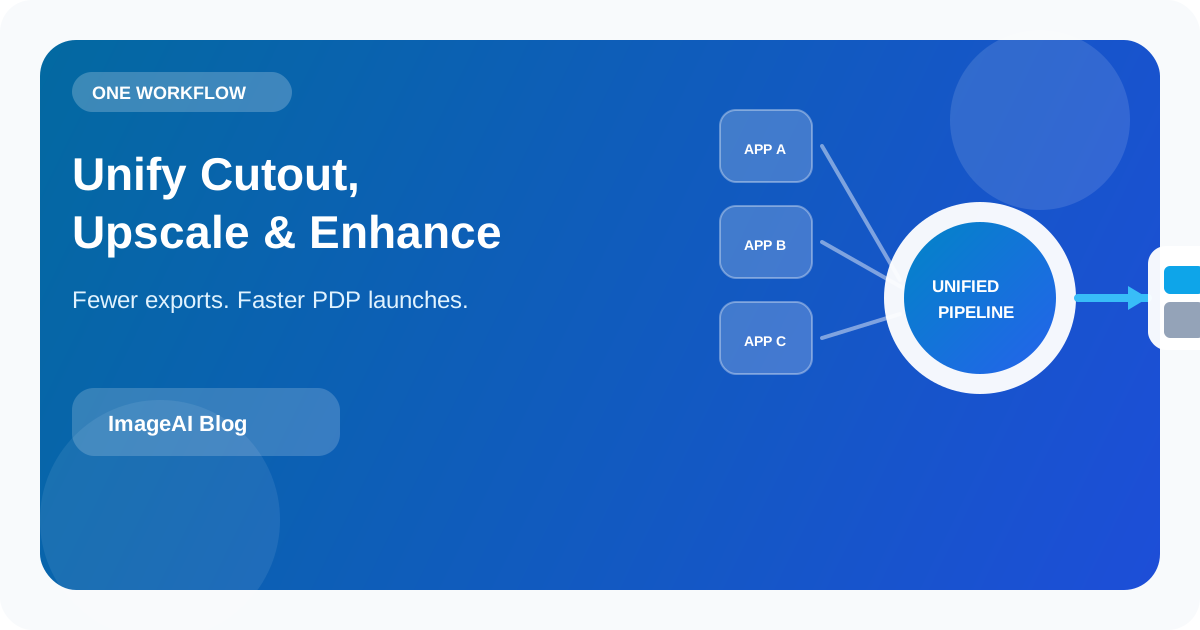
Why Ecommerce Teams Need a Unified AI Image Workflow (Not Five Different Apps)
Scattered desktop plugins and single-purpose tools create export churn, inconsistent lighting, and slow launches. Here's why background removal, upscaling, and enhancement belong in one cloud workflow.
AI A/B Testing for Product Images: How to Find the Visuals That Convert Best
Learn how to use AI to generate and test product image variations for e-commerce. Find the backgrounds, angles, and styles that drive more clicks and conversions.
上一頁
How to Create a Clean White-Background Product Photo in Minutes Using AI
A practical, repeatable pipeline: shoot once, remove the background, upscale when needed, and enhance for ecommerce—not hype.
下一頁
AI A/B Testing for Product Images: How to Find the Visuals That Convert Best
Learn how to use AI to generate and test product image variations for e-commerce. Find the backgrounds, angles, and styles that drive more clicks and conversions.