How to Optimize Product Images for Google Shopping and Visual Search in 2026
Learn how to optimize your e-commerce product images for Google Shopping, Google Images, and visual search. Cover file naming, alt text, structured data, and image quality best practices.
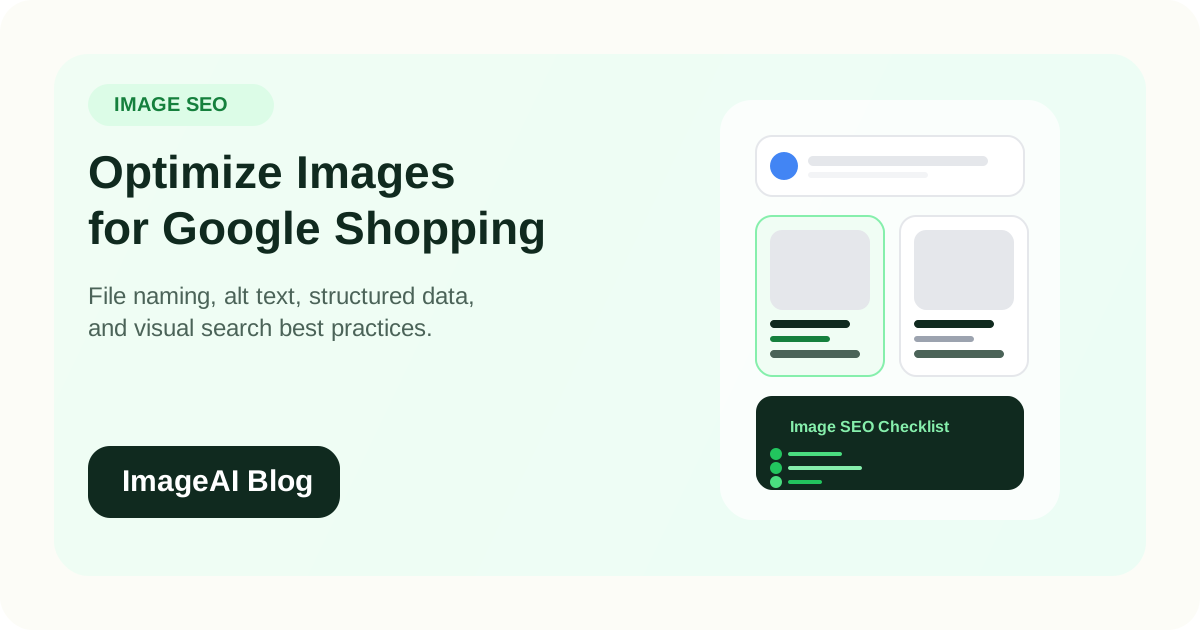
Learn how to optimize your e-commerce product images for Google Shopping, Google Images, and visual search. Cover file naming, alt text, structured data, and image quality best practices.
Most e-commerce teams spend hours on product photography but skip the steps that make those images discoverable. Google Shopping, Google Images, and visual search now account for a massive share of product discovery, and the images that perform best are the ones optimized for both humans and search engines.
This guide covers the practical steps that improve how your product images appear, rank, and convert in search results.
Why Image SEO Matters for E-commerce
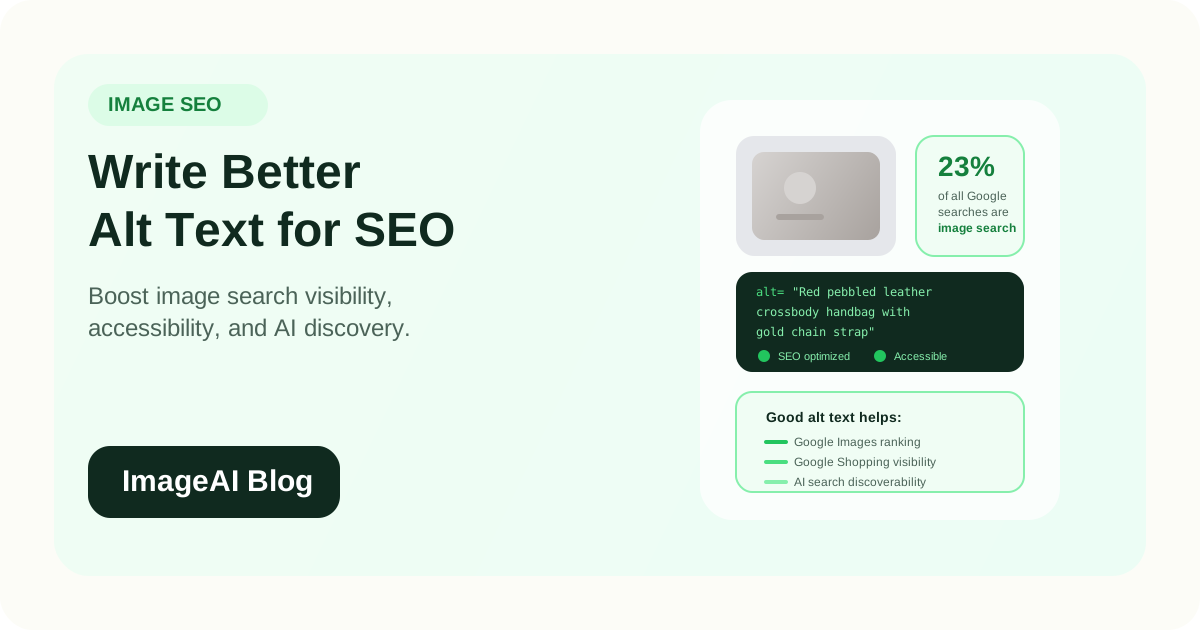
Google Images alone represents roughly 23 percent of all web searches. Google Shopping results appear at the top of commercial queries. And visual search through Google Lens is growing rapidly as a product discovery channel.
If your images are not optimized:
- Your products may not appear in Shopping results
- Image search traffic is left on the table
- Google Lens cannot match your product to visual queries
- Page load times suffer, hurting both SEO and conversions
The effort required is low compared to the impact. Most of the optimization happens once per image and compounds over time.
File Naming: The First Signal Google Reads
Google uses the image filename as one of its earliest signals to understand what the image shows. This happens before the page itself is fully crawled.
Bad filenames
IMG00234.jpgphoto_final_v2.jpgproduct-1.png
Good filenames
red-leather-crossbody-bag-front-view.jpgstainless-steel-water-bottle-750ml.jpgorganic-face-serum-30ml-dropper.jpg
File naming rules
- Use lowercase letters only
- Separate words with hyphens
- Put the primary subject first
- Add relevant descriptors (color, material, size, angle)
- Keep it concise: 3 to 6 descriptive words
- Avoid keyword stuffing
A well-named file gives Google context before it even processes your page content.
Alt Text: Your Most Important On-Page Image Signal
Alt text is the HTML attribute that describes what an image shows. It serves three purposes:
- Accessibility for screen reader users
- Context for search engines
- Fallback text when images fail to load
How to write effective alt text
- Describe the product accurately and specifically
- Include the product name and key attributes
- Keep it natural and readable
- Avoid "image of" or "photo of" prefixes
- Stay under 125 characters
Examples
| Image | Poor Alt Text | Good Alt Text |
|---|---|---|
| White sneaker product photo | "shoe" | "White leather running sneaker with cushioned sole, side view" |
| Skincare product on shelf | "product image" | "Vitamin C face serum 30ml bottle with dropper on marble shelf" |
| Kitchen knife set | "knives" | "5-piece stainless steel kitchen knife set in walnut block" |
Alt text that is too generic wastes a ranking opportunity. Alt text that is keyword-stuffed feels unnatural and can hurt rather than help.
Image Quality and Technical Requirements
Google rewards high-quality images in both Shopping and Image Search results. Several technical factors directly affect ranking and click-through rate.
Resolution
- Use at least 800 x 800 pixels for standard product images
- Google Shopping recommends 1500 x 1500 or larger for best results
- Higher resolution enables zoom functionality, which increases engagement
File Format
- JPEG for photographs with complex colors
- PNG for products requiring transparency
- WebP for the best balance of quality and file size
- AVIF where browser support is sufficient
If possible, serve WebP with JPEG fallback. This delivers faster loading without sacrificing compatibility.
File Size and Compression
Large image files slow down your pages. Slow pages rank lower and convert less.
- Compress product images to the smallest file size that maintains visual quality
- Target under 200 KB for product thumbnails
- Target under 500 KB for full-size product detail images
- Use lossy compression (quality 80 to 85) for photographs
- Use lossless compression for graphics and text-heavy images
AI compression tools can often achieve better size reduction than traditional methods while preserving more perceptible quality.
White Background for Shopping
Google Shopping requires a white or light background for the main product image. This is not a suggestion: products with non-compliant images can be disapproved from Shopping feeds entirely.
Best practice:
- Use a pure white background (RGB 255, 255, 255) for your primary product image
- Product should fill 75 to 90 percent of the frame
- No watermarks, logos, or promotional text on the main image
Structured Data: Helping Google Understand Your Products
Structured data (Schema.org markup) tells Google exactly what your images represent within the context of your product.
The Product schema type supports an image property that should reference your primary product image.
Key schema fields that support image discoverability:
image— URL of the product image (use the highest quality version)name— product namedescription— product descriptionbrand— brand nameoffers— price and availabilitysku— product identifier
When your structured data is complete, Google can more confidently show your product in rich results, Shopping tabs, and visual search matches.
Testing your markup
Use Google's Rich Results Test to verify that your structured data is correct and your images are accessible. Fix any errors before expecting Shopping visibility.
Google Lens and Visual Search Optimization
Google Lens allows users to search by pointing their camera at a product or uploading a photo. When your images are well-optimized, Google Lens can match them to your product listings.
What helps Google Lens find your products
- Clean, high-resolution product images with clear edges
- Multiple angles (front, side, back, detail)
- Consistent lighting and accurate colors
- Descriptive alt text and structured data
- Images hosted on fast, crawlable pages
What hurts Google Lens matching
- Low-resolution or heavily compressed images
- Busy or cluttered backgrounds
- Watermarks or text overlays on product images
- Images behind JavaScript rendering that Googlebot cannot access
- Missing or generic alt text
Visual search is still growing, but brands that optimize for it now will have a significant advantage as adoption increases.
Open Graph and Social Preview Images
When someone shares your product page on social media, the preview image comes from your Open Graph (OG) tags. This is not strictly SEO, but it affects traffic and click-through from social channels.
Best practices:
- Set an
og:imagetag for every product page - Use a high-quality, well-cropped product image
- Recommended size: 1200 x 630 pixels
- Ensure the image URL is an absolute URL
- Verify previews using the Facebook Sharing Debugger or Twitter Card Validator
A missing or poorly chosen OG image means your product page looks broken or generic when shared, which reduces clicks.
Image Sitemap
If your product images are not in your XML sitemap, Google may discover them more slowly or miss them entirely.
You can add images to your existing sitemap or create a dedicated image sitemap. Each product URL should include:
- The image URL
- An optional caption
- An optional title
This is especially valuable for new products, because it helps Google discover and index their images faster.
Page Speed and Image Loading
Image loading strategy affects both SEO rankings and user experience.
Lazy loading
Use native lazy loading (loading="lazy") for images below the fold. This prevents offscreen images from blocking the initial page load.
Do not lazy-load the hero product image. It should load immediately.
Responsive images
Serve different image sizes based on the viewer's device:
- Use the
srcsetattribute to provide multiple resolutions - Let the browser choose the optimal size
- This prevents mobile users from downloading desktop-sized images
Content Delivery Network
Serve images from a CDN for faster loading worldwide. Closer servers mean faster image delivery, which improves Core Web Vitals scores.
A Practical Image SEO Checklist
For every product image you publish:
- [ ] Descriptive, hyphenated filename
- [ ] Specific, natural alt text
- [ ] Compressed to an appropriate file size
- [ ] Served in WebP with fallback
- [ ] White background for primary marketplace image
- [ ] Included in your XML sitemap
- [ ] Referenced in Product structured data
- [ ] OG image tag set for social sharing
- [ ] Lazy loaded (except above-the-fold hero)
- [ ] Served via CDN
This checklist takes a few extra minutes per product but has a measurable impact on search visibility and traffic over time.
Common Mistakes
1. Using Generic Filenames
IMG_0042.jpg tells Google nothing. Rename every image before uploading.
2. Skipping Alt Text
Missing alt text is one of the most common and easiest-to-fix image SEO issues. Every product image should have it.
3. Serving Oversized Files
A 5 MB product image will slow your page and hurt your Core Web Vitals. Compress before uploading.
4. Ignoring Google Shopping Requirements
If your product feed images do not meet Google's requirements, your products simply will not appear. Check the Merchant Center for image-related disapprovals.
5. Only Optimizing the Main Image
Secondary images, lifestyle shots, and detail views also appear in search results. Optimize every image on the product page, not just the first one.
Final Thoughts
Image SEO for e-commerce is not complex, but it is consistently underutilized. Most of the optimization is straightforward: good filenames, descriptive alt text, proper compression, and structured data.
The payoff is more visibility in Google Shopping, Google Images, and visual search, which translates directly to more traffic and more sales.
If you already invest in creating or enhancing product images, taking the extra steps to make them search-friendly is one of the highest-return activities available.
Related Posts
More practical reading from the ImageAI team.
How to Write SEO-Friendly Alt Text for Product Images (and When to Automate It)
Learn how to write effective alt text for e-commerce product images that improves SEO, accessibility, and AI search visibility. Plus, when and how to automate alt text at scale.
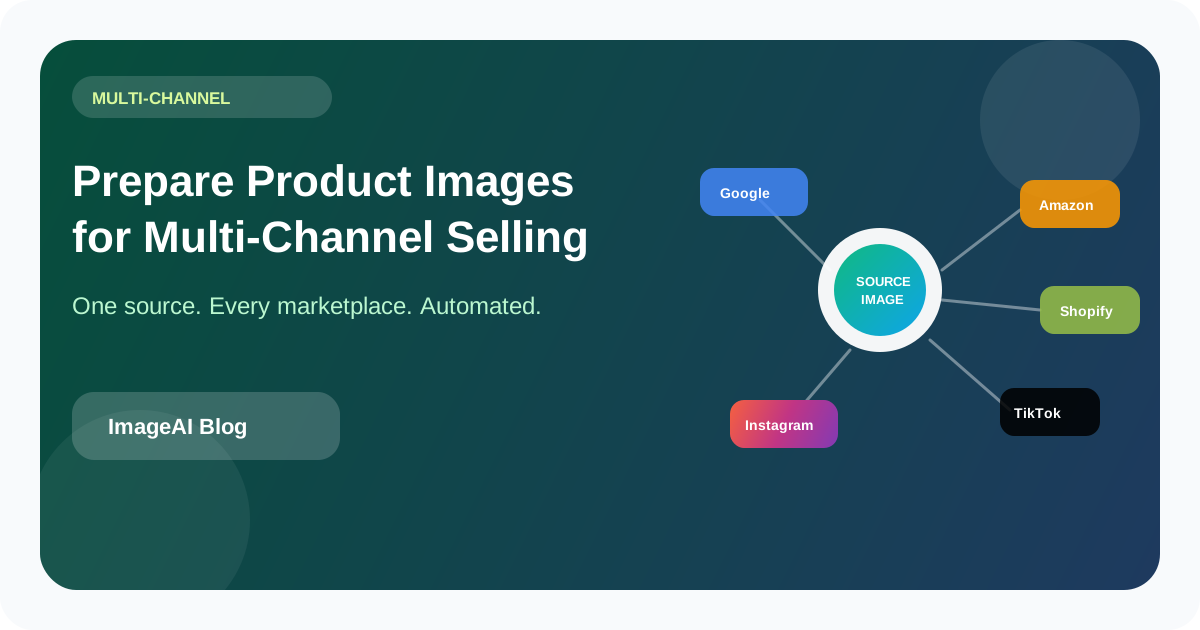
How to Prepare Product Images for Multi-Channel Selling: Amazon, Shopify, TikTok Shop, and Beyond
Each sales channel has different image rules, but reshooting for every platform is not the answer. Learn how to build a single-source image pipeline that exports marketplace-ready assets for every channel from one set of originals.
How to Automate Product Image Watermarks and Branding Without Slowing Down Your Pipeline
Manual watermarking does not scale. Learn how to automate logo placement, brand overlays, and consistent visual identity across product images while keeping your workflow fast and your originals intact.
Previous
AI Lifestyle Product Photography: How to Generate Scene Images Without a Photoshoot
Learn how to create lifestyle product photos with AI-generated backgrounds and scenes. Skip the photoshoot and produce social-ready, editorial-style e-commerce images from a single product cutout.
Next
AI Product Photography on a Budget: How to Create Studio-Quality E-commerce Images in 2026
Learn how to create professional product photos for e-commerce without a studio or big budget. Use AI tools to produce clean, marketplace-ready images from a simple phone setup.