AI A/B Testing for Product Images: How to Find the Visuals That Convert Best
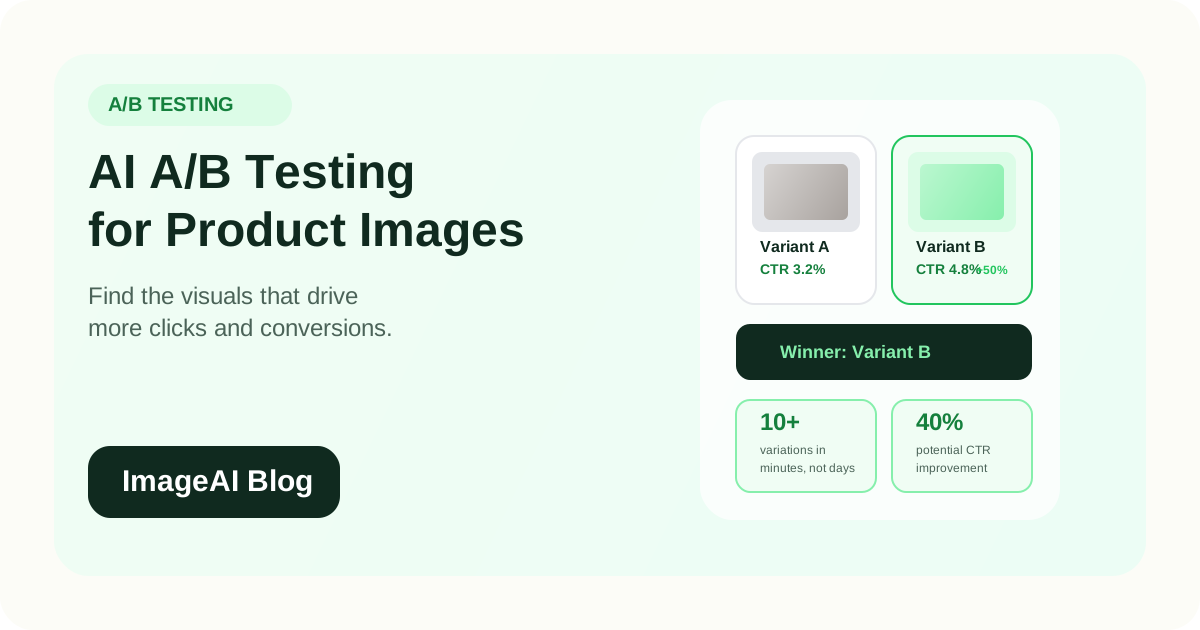
Learn how to use AI to generate and test product image variations for e-commerce. Find the backgrounds, angles, and styles that drive more clicks and conversions.
Learn how to use AI to generate and test product image variations for e-commerce. Find the backgrounds, angles, and styles that drive more clicks and conversions.
You can have a great product, strong pricing, and a well-built store — and still underperform because of the wrong product image. The image a customer sees first is the single biggest factor in whether they click, and small visual differences can produce surprisingly large conversion gaps.
Traditionally, testing product images was impractical. Each variation required a separate photoshoot, which meant the cost and time of testing outweighed the potential benefit for most brands. AI changes this. When you can generate multiple image variations in minutes instead of days, testing becomes not just possible but one of the highest-ROI activities available.
Why Product Image Testing Matters
The Click Decision Happens in Milliseconds
In a product grid — whether on Amazon, Shopify, Google Shopping, or Instagram — shoppers scan dozens of thumbnails and decide which ones to click in less than a second. The image is doing almost all of the work at this stage.
Small Differences Create Big Gaps
Research consistently shows that visual changes to product listings can move click-through rates by 10 to 40 percent. When applied to thousands of daily impressions, that translates directly to revenue.
Assumptions Are Often Wrong
What looks best to your team is not always what converts best with customers. A clean white background might outperform a lifestyle scene for one product category and underperform for another. Testing reveals what actually works, rather than what you think works.
What to Test
Not every visual element is worth testing. Focus on the variables that have the largest potential impact on click-through and conversion.
Background Type
The single most impactful variable for most product images.
- Pure white background vs. light gradient
- Studio background vs. lifestyle scene
- Solid color vs. textured surface
- Seasonal or thematic backgrounds vs. evergreen
A skincare product might convert better on a marble surface than on white. A power tool might perform better on clean white than in a workshop scene. The only way to know is to test.
Image Composition
How the product is positioned within the frame.
- Centered vs. rule-of-thirds placement
- Tight crop (product fills 90 percent of frame) vs. breathing room
- Single product vs. product with complementary items
- Flat lay vs. standing/angled presentation
Lighting Style
The mood and feel created by the lighting.
- Bright and airy vs. dramatic and contrasty
- Warm tones vs. cool tones
- Soft diffused light vs. directional light with shadows
- Natural light feel vs. studio-polished look
Angle and Perspective
The viewpoint from which the product is shown.
- Front-facing vs. three-quarter angle
- Eye-level vs. slightly elevated
- Top-down (flat lay) vs. side view
- Single angle vs. composite showing multiple views
Human Element
Whether and how people appear in the image.
- Product only vs. product in use
- Hands holding the product vs. product on a surface
- Full model shot vs. partial (hands, torso)
- Diverse model representation
The AI-Powered Testing Workflow
Step 1: Start with One Strong Source Image
Begin with your best existing product photo. A clean, high-resolution image with the background removed gives AI the most flexibility to generate variations.
Step 2: Generate Variations
Use AI to create multiple versions of the image, changing one variable at a time:
- 3 background variations (white, lifestyle scene, colored gradient)
- 2 composition variations (tight crop, breathing room)
- 2 lighting variations (bright/airy, warm/dramatic)
This gives you 12 variations from a single source image. Traditionally, this would require multiple photoshoots. With AI, it takes minutes.
Step 3: Filter Before Testing
Not every generated variation is worth testing. Review the outputs and select the 3 to 5 strongest candidates based on:
- Does it look natural and authentic?
- Does it meet marketplace requirements?
- Is the product clearly visible and recognizable?
- Does it feel aligned with your brand?
Step 4: Run the Test
Deploy the variations across your sales channels:
On your own store (Shopify, WooCommerce):
- Use built-in A/B testing tools or apps
- Split traffic evenly between variations
- Run the test for at least 2 weeks or until you reach statistical significance (typically 200+ conversions per variation)
On Amazon:
- Use Amazon's Manage Your Experiments feature for A+ Content
- Test main images using split testing
- Amazon requires sufficient traffic volume for meaningful results
On social ads:
- Create separate ad sets with identical copy but different images
- Let the platform's algorithm optimize delivery
- Compare click-through rate and cost per click across variations
On Google Shopping:
- Test different product images in your Merchant Center feed
- Monitor click-through rate changes in Google Ads reporting
Step 5: Measure and Apply
After the test reaches statistical significance:
- Identify the winning variation
- Apply it across all relevant channels
- Document what you learned for future product launches
- Move on to test the next product or variable
What the Data Usually Shows
While every product and audience is different, some patterns emerge consistently across e-commerce image testing:
Background
- White backgrounds tend to win for marketplace search results (Amazon, eBay) where shoppers are comparing many options quickly
- Lifestyle backgrounds tend to win for social media ads and brand-owned storefronts where emotional connection matters more
- Colored or gradient backgrounds can outperform both in specific niches (beauty, tech accessories) where they create brand distinctiveness
Composition
- Products that fill 80 to 90 percent of the frame generally outperform images with excessive empty space in grid/search contexts
- Some breathing room performs better on social media where the image needs to feel less like a catalog shot
Lighting
- Bright, clean lighting wins for most product categories in search and marketplace contexts
- Warm, atmospheric lighting performs better for lifestyle products (home decor, candles, food) in social and editorial contexts
Human Element by Channel
- Products shown in use (on a hand, being worn, in a home) tend to drive higher engagement on social channels
- Product-only images tend to drive higher click-through in marketplace search results
These are tendencies, not rules. Your specific results may differ, which is precisely why testing matters.
Scaling Image Testing with AI
The traditional bottleneck for image testing was production cost. When each variation requires a photoshoot, you can only afford to test a handful of options. AI removes this constraint.
Generate at Scale
With AI, you can:
- Create 10+ background variations for every hero product
- Generate seasonal versions (summer, holiday, back-to-school) without new shoots
- Produce platform-specific crops and compositions from a single source
- Test radically different visual styles without risk
Prioritize Strategically
You cannot test everything at once. Prioritize by:
- Highest-traffic products first — More traffic means faster statistical significance
- Products with below-average click-through — These have the most room for improvement
- New product launches — Start testing from day one instead of guessing
- Seasonal campaigns — Test holiday or seasonal imagery before the peak period
Build a Learning Library
Over time, your test results become a competitive advantage. Document:
- Which backgrounds perform best for each product category
- Which angles drive the most clicks in each channel
- What lighting styles resonate with your audience
- How lifestyle vs. studio imagery performs across your catalog
This knowledge informs every future product launch and marketing campaign.
Cost and ROI
Cost of AI Image Testing
- Generating 10 variations of a product image: $1 to $10
- Running a 2-week A/B test: free (using platform tools) to $100–$500 (if using paid testing software or ad spend)
- Total cost to test one product: approximately $10 to $50
Potential Return
- A 15 percent improvement in click-through rate on a product that gets 1,000 daily impressions and converts at 3 percent with a $50 average order value:
- Before: 30 sales/day = $1,500/day
- After: 34.5 sales/day = $1,725/day
- Difference: $225/day = $6,750/month from testing one product
The ROI on image testing is extremely high because the testing cost is low and the compounding effect on daily traffic is significant.
Common Mistakes
1. Testing Too Many Variables at Once
If you change the background, angle, and lighting simultaneously, you cannot isolate which change caused the improvement. Change one variable per test.
2. Ending Tests Too Early
Statistical significance matters. A test that ran for 3 days with 50 clicks per variation is not reliable. Wait for at least 200 conversions per variation, or use a statistical significance calculator to validate your results.
3. Ignoring Channel Differences
An image that wins on Amazon may not win on Instagram. Test separately for each major channel, because the context and user intent are different.
4. Only Testing Once
Image testing should be ongoing. Customer preferences shift, competitors change their visual approach, and seasonal trends affect what resonates. Test at least quarterly for your top products.
5. Not Applying Learnings Broadly
If lifestyle backgrounds consistently outperform white backgrounds for your beauty products on social ads, apply that finding to new products proactively instead of testing the same hypothesis again.
A Practical Starting Point
If you have never tested product images before, start here:
- Pick your 5 highest-traffic products
- For each, generate 3 image variations using AI (one variable change per variation)
- Run A/B tests on your primary sales channel for 2 to 4 weeks
- Apply the winners and document what you learned
- Move to the next 5 products
Within a few testing cycles, you will have data-driven insights about what visuals work for your brand, your products, and your audience. That knowledge compounds with every test you run.
Final Thoughts
Product image testing is one of the most underutilized growth levers in e-commerce. AI has removed the cost and time barriers that made it impractical. Generating variations is cheap, fast, and easy. The only investment is the discipline to run proper tests and apply what you learn.
For brands competing in crowded marketplaces and social feeds, the visual edge created by systematic image testing is difficult for competitors to replicate because it is built on your specific data and your specific audience.
Start testing. Let the data decide.
Related Posts
More practical reading from the ImageAI team.
AI Color Correction for Product Photos: How to Get Accurate, Consistent Colors Across Your Catalog
Product returns spike when on-screen colors mislead buyers. Learn how AI color correction works, when to use it, and how to maintain color accuracy across thousands of SKUs without manual retouching.
Batch Product Image Processing with AI: How to Edit Thousands of SKUs in Minutes
Learn how to process product images in bulk with AI. Remove backgrounds, enhance, resize, and export marketplace-ready images for thousands of SKUs without manual editing.
AI Lifestyle Product Photography: How to Generate Scene Images Without a Photoshoot
Learn how to create lifestyle product photos with AI-generated backgrounds and scenes. Skip the photoshoot and produce social-ready, editorial-style e-commerce images from a single product cutout.
Previous
Choosing a Cloud AI Photo Editor: Three Checks Beyond Price
Free tiers and cheap credits are table stakes. Before you ship commercial assets to the cloud, validate privacy boundaries, realistic quality limits, and whether the tool matches your weekly workflows.
Next
How to Write SEO-Friendly Alt Text for Product Images (and When to Automate It)
Learn how to write effective alt text for e-commerce product images that improves SEO, accessibility, and AI search visibility. Plus, when and how to automate alt text at scale.