PNG vs WebP for E-commerce and SEO: Which Image Format Should You Use?
PNG vs WebP for e-commerce and SEO: learn when to use each format, how they affect page speed, and which one works best for transparent product images and web performance.
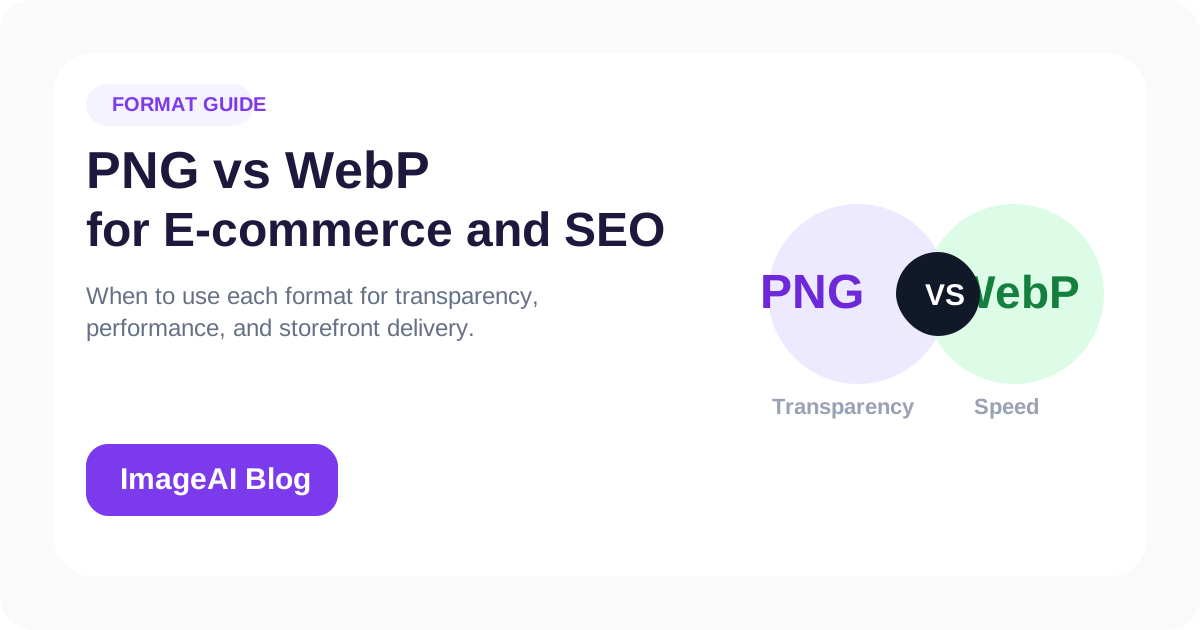
PNG vs WebP for e-commerce and SEO: learn when to use each format, how they affect page speed, and which one works best for transparent product images and web performance.
Choosing the right image format has a direct effect on page speed, image quality, and the flexibility of your content workflow.
For many e-commerce teams, the most common comparison is PNG vs WebP.
The Short Answer
If you need transparency and want better file size efficiency, WebP is often the better default for web delivery.
If you need a widely compatible transparent file for editing or reuse in other tools, PNG still has an important role.
What PNG Is Best For
PNG works well for:
- Transparent product cutouts
- Graphics that need clean edges
- Files being reused in multiple design workflows
- Assets where broad compatibility is still important
PNG is reliable, but it often creates larger files than necessary for live web pages.
What WebP Is Best For
WebP works well for:
- Web delivery
- Faster product and collection pages
- Transparent product images with smaller file size
- Blog and landing page visuals
It is often one of the easiest wins for performance-conscious sites.
PNG vs WebP Comparison
| Format | Best For | Strength | Limitation |
|---|---|---|---|
| PNG | Transparent assets and reusable design files | Reliable, clean, flexible | Larger files |
| WebP | Web publishing and storefront speed | Smaller files, good quality | Less ideal as a master editing file |
Which One Is Better for SEO?
For SEO, the answer is usually WebP for published pages because:
- Smaller files improve page speed
- Better page speed supports Core Web Vitals
- Faster pages improve user experience
That said, the wrong WebP settings can still harm quality. Compression should be controlled, not aggressive by default.
Which One Is Better for Product Images?
It depends on the stage of the workflow.
Use PNG when:
- You need a transparent master asset
- The image will be reused in multiple layouts
- You want to preserve a cutout for future editing
Use WebP when:
- The image is going live on a product or collection page
- File size matters
- You want a better quality-to-size balance
Many teams should keep both:
- PNG as the working or archive asset
- WebP as the delivery asset
Common Mistakes
Publishing Large PNGs Everywhere
This is a common performance problem on product collections and blog pages.
Converting to WebP Too Early
If you still need background changes, resizing, or new exports, keep a higher-flexibility source file first.
Ignoring Transparency Needs
If your product image needs transparency, format choice matters more than generic file size advice.
Best Workflow for E-commerce Teams
- Remove background if needed
- Save a transparent working asset
- Export final delivery files for the web
- Use WebP where speed matters
- Keep PNG where editability or compatibility matters
This gives you both workflow flexibility and better front-end performance.
Final Thoughts
PNG vs WebP is not really a winner-takes-all decision.
The better approach is:
- Use PNG when you need transparent master flexibility
- Use WebP when you need faster web delivery
If you separate “working file” from “published file,” the decision becomes much easier.
Related Posts
More practical reading from the ImageAI team.
How to Write SEO-Friendly Alt Text for Product Images (and When to Automate It)
Learn how to write effective alt text for e-commerce product images that improves SEO, accessibility, and AI search visibility. Plus, when and how to automate alt text at scale.
How to Optimize Product Images for Google Shopping and Visual Search in 2026
Learn how to optimize your e-commerce product images for Google Shopping, Google Images, and visual search. Cover file naming, alt text, structured data, and image quality best practices.
Amazon, Shopify, Instagram, and TikTok Image Size Guide for 2026
The practical image size guide for Amazon, Shopify, Instagram, and TikTok. Learn the right dimensions, aspect ratios, and export tips for product photos and social content.
Previous
How to Upscale Low-Resolution Images with AI Without Making Them Look Fake
Learn how to upscale low-resolution images with AI while keeping detail natural. A practical guide for product photos, old images, social assets, and web content.
Next
How to Remove Image Backgrounds Perfectly Every Time
Master the art of background removal with AI. Learn techniques for product photos, portraits, and complex scenes with professional results.