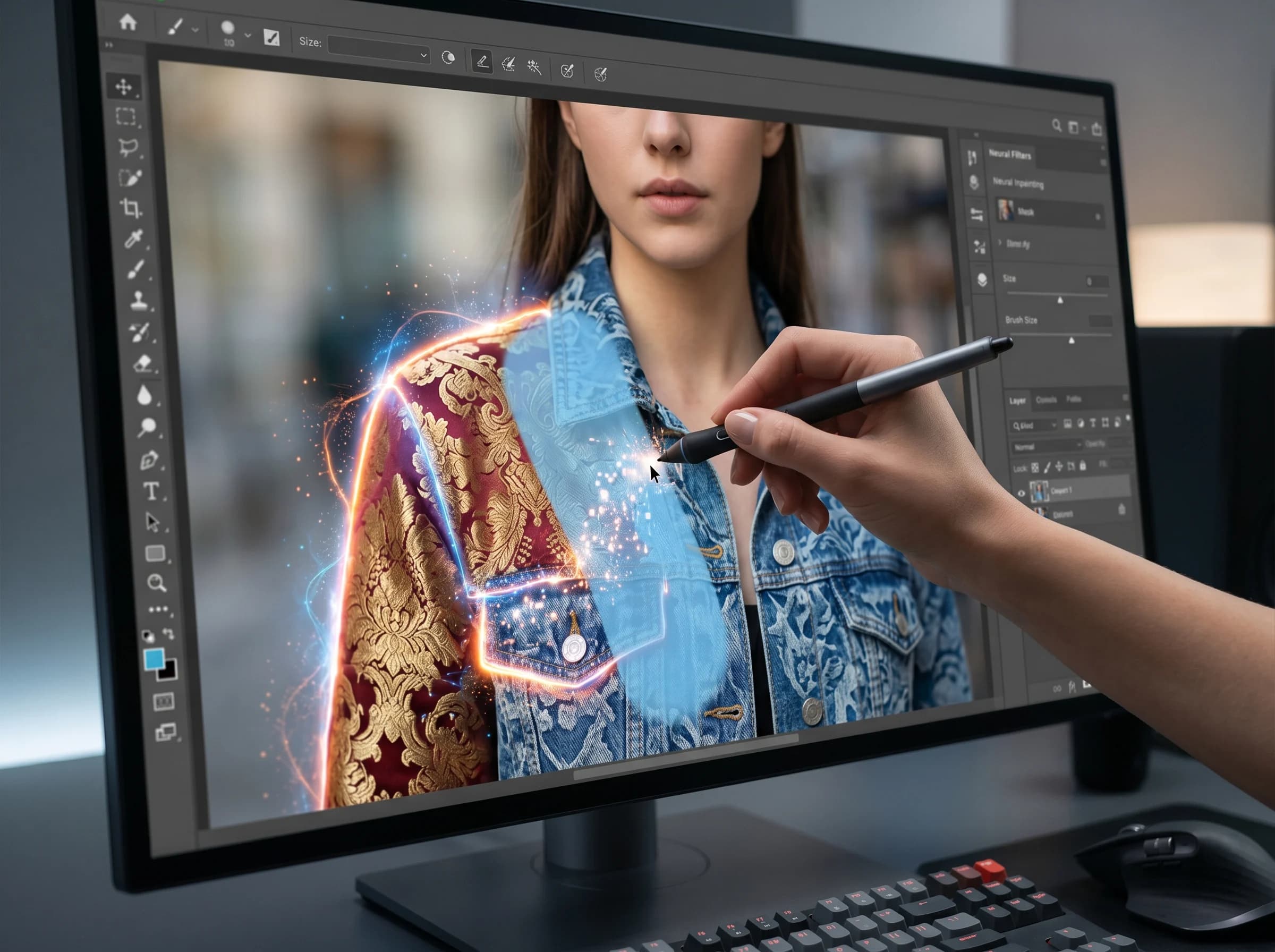
Precise AI Editing
Edit exactly the parts you want while keeping everything else intact.
Paint a mask over the area to change
Describe what you want with a text prompt
AI regenerates only the masked area
Seamless blending with surrounding content
Adjustable brush size for precise selection
Works with any type of image content
كيف يعمل
احصل على نتائج احترافية في خطوات بسيطة.
1
Upload your image
2
Paint a mask over the area to edit
3
Describe what you want in that area
4
AI regenerates the masked area
الأسئلة الشائعة
What's the difference between erasing and inpainting?
Erasing removes an object and fills with background. Inpainting lets you describe what should replace the masked area — like changing a shirt color or adding an object.
How precise can the mask be?
The brush tool is adjustable in size, allowing you to mask areas as precise or broad as needed.
Can I change the color of objects?
Yes! Mask the object and describe the new color or style in the text prompt. The AI will regenerate it while maintaining the shape.
استكشف المزيد من الأدوات
Remove Image Background Instantly
Remove backgrounds from any image in seconds with AI precision.
AI Image Expander — Extend Canvas
Extend image canvas in any direction with seamless AI fill.
AI Object Eraser — Remove Unwanted Objects
Remove unwanted objects from photos with AI-powered fill.
AI Image Upscaler — Enhance Resolution
Upscale images up to 4x with AI-enhanced detail and sharpness.